


生成wordpress侧边栏随机图片代码
代码来源通义AI
<div class="random-image-widget" style="text-align: center; padding: 10px;">
    <a href="https://t.alcy.cc/mp" target="_blank" style="display: inline-block;">
<!-- 上边可以修改图片链接,注意下文的刷新也要同步更新 -->
        <img src="https://t.alcy.cc/mp"
             alt="随机图片"
             id="random-image"
             style="width: 100%; height: auto; border-radius: 12px; cursor: pointer; display: block;"
             onclick="this.src = 'https://t.alcy.cc/mp?' + new Date().getTime(); return false;">
<!-- style修改图片显示大小 -->
    </a>
</div>
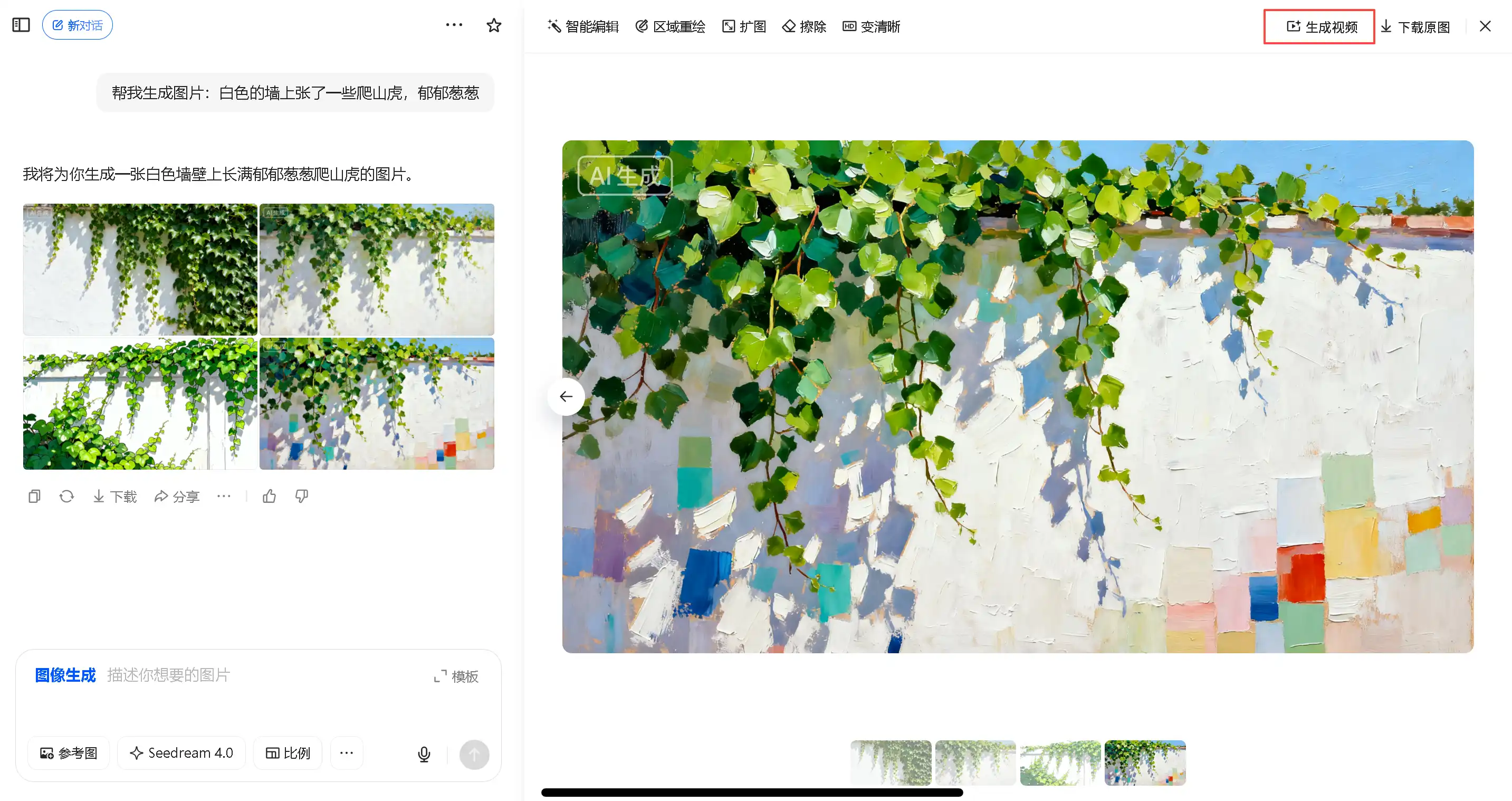
效果图
![图片[1]-生成wordpress侧边栏随机图片代码-乔维志](https://img.116500.xyz/i/2025/10/27/68ff12c6a7d2d.png)
© 版权声明
THE END






暂无评论内容